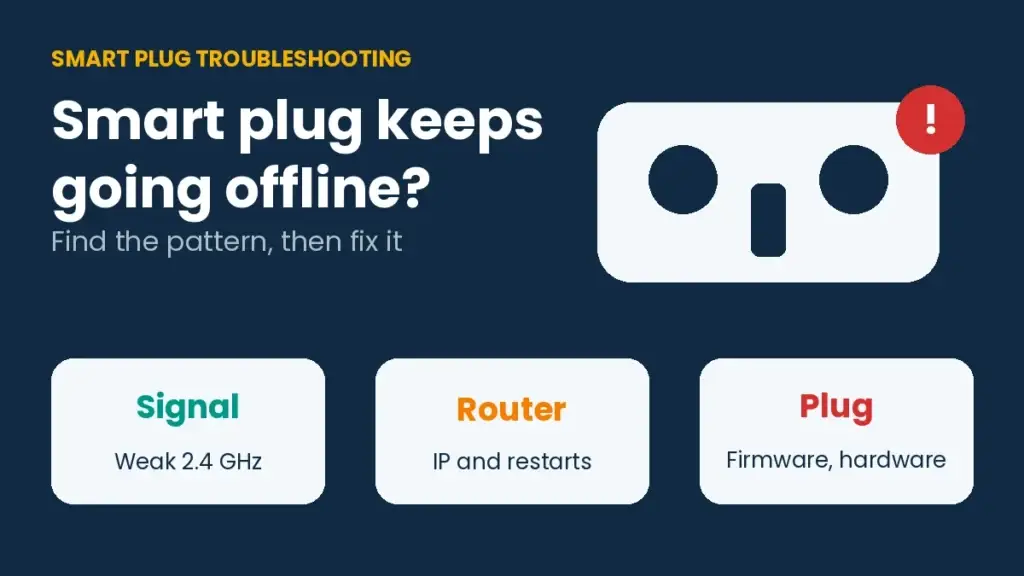
When a smart plug keeps going offline, the cause is rarely the plug alone. The usual suspects are a weak 2.4 GHz signal, a router that hands out a new address after every restart, a wall switch that cuts power, or a service outage on the brand's side. Each one leaves a different pattern, and reading that pattern saves you from resetting a plug that was never broken.
This guide shows how to match your symptom to a cause, then walks through seven fixes in the order that wastes the least time.
Why does a smart plug keep going offline?
A plug shows offline when the app can no longer reach it. Several things can break that link: a weak signal, a router that changes the plug's address, a crowded 2.4 GHz band, old firmware, a power cut at the outlet, or a problem on the manufacturer's servers. In rare cases the plug's own WiFi module is failing.
Most plugs only use the 2.4 GHz band, so the router's 5 GHz network does nothing for them. If you have not checked which band your plug is on, read our smart plug 5GHz WiFi guide first.
Read the pattern before you fix anything
Before you touch a setting, ask which plugs are offline and when it happens. The answer points at the router, the plug or the outlet.
| What you see | Likely cause | Start with |
|---|---|---|
| One plug offline, the others fine | Range problem or a plug glitch | Move the plug closer and restart it |
| Every plug offline at once | Router, or a service problem at the brand | Check the router, then the brand's forum or status page |
| Offline after a router restart or power cut | Slow reconnect or a changed address | Wait 1 to 2 minutes, then reserve an IP address |
| Drops whenever someone flips a switch | The outlet loses power | Leave the wall switch on |

Seven fixes, in the right order
Work through these in order. The early steps take a minute, and the later ones touch your router.
- Check the outlet. If a wall switch controls it, the plug loses power whenever the switch goes off. Asurion lists this as one of the first things to rule out for the Amazon Smart Plug.
- Restart the plug once. Unplug it for about 10 seconds and plug it back in. After a power cut, give it 1 to 2 minutes to reconnect before you decide it is dead.
- Fix the signal. Move the plug closer to the router, or place an extender between them. Keep it away from microwaves and cordless phones, which share the 2.4 GHz band.
- Update the firmware. Open the plug's app, go to the device settings and look for a firmware option. Teckin's guide says updates fix WiFi stability and reconnection after power outages.
- Reserve an IP address. In your router settings, assign the plug a fixed address, often called an address reservation. A Kasa troubleshooting guide says address conflicts can knock one device offline and a fixed address removes them.
- Clear the 2.4 GHz clutter. Too many devices on 2.4 GHz can crowd the plug out. Set the router's 2.4 GHz channel by hand to 1, 6 or 11 and see if the drops stop.
- Reset and re-pair. As a last step, factory reset the plug and add it again. On the Amazon Smart Plug that means holding the side button for about 12 seconds until the LED turns red.

What most guides leave out
Check for an outage before you reset a whole house of plugs. On the Wyze community forum, users reported every plug going offline at once, with the app showing the plugs connected to WiFi but offline. That pattern points at the service, and no amount of resetting on your side will fix it.
A reset is not always a fix. A Tapo P100 owner on the TP-Link community said the plug stayed offline until a hard reset, then dropped again after a while, even with the firmware updated. A plug that repeats this cycle after every reset is telling you something about the hardware.
Restart order matters after an outage. Let the router finish starting before the plugs try to rejoin, then give them a couple of minutes. A reconnect that looks stuck is often just slow.
Address reservation beats a static IP typed into the plug. You set it once in the router, and the plug keeps asking for an address the normal way. The Trunetto Kasa guide calls fixed addresses the most effective fix for intermittent drops on those models.
When to replace the plug
If the plug still goes offline with strong signal, current firmware and the right router settings, the WiFi module may be wearing out. The Teckin guide says the same. At that point a replacement costs less than another evening of troubleshooting. Our best smart plugs list is a good place to pick one, and smart home for beginners helps you match it to your ecosystem.
Smart plug keeps going offline: FAQ
Why does my smart plug go offline after a router restart?
The plug may take a minute or two to rejoin, or the router may have given it a new address. Wait a couple of minutes, then reserve an IP address for the plug.
Can a wall switch make a smart plug go offline?
Yes. If the outlet is controlled by a switch, the plug loses power when the switch is off and shows offline in the app.
Do I need a static IP for a smart plug?
It is not required, but it helps when a plug drops again and again. Reserve the address in your router settings.
Will a WiFi extender fix a plug that keeps dropping?
It can, when distance is the problem. Place the extender between the router and the plug, and make sure the plug can use the extender's 2.4 GHz network.
How do I know if the plug is broken?
If it still drops after a strong signal, a firmware update, a fixed IP and a reset, the plug itself is the likely cause.